


Gmail and Outlook
Bring email into the shared inbox.
Connect email, calendars and accounting. Choose what stays in sync.
Free for 14 days. No credit card required.


Read and reply to customer email in JobsiteOn. Send from your own Gmail or Google Workspace address.

See scheduled jobs on a dedicated JobsiteOn Jobs calendar. Your other Google calendars stay private.

Send invoices to QuickBooks Online and sync supported customer and payment records. Each record type has its own sync rules.

Bring your Outlook or Microsoft 365 mailbox into JobsiteOn. Reply from your own address and keep the customer thread together.
Scroll or choose an integration to see what connects. Provider requirements and charges may apply.
Find supported connections in the Marketplace. Review each integration before you connect it.
Browse the Marketplace for the tools your business uses.
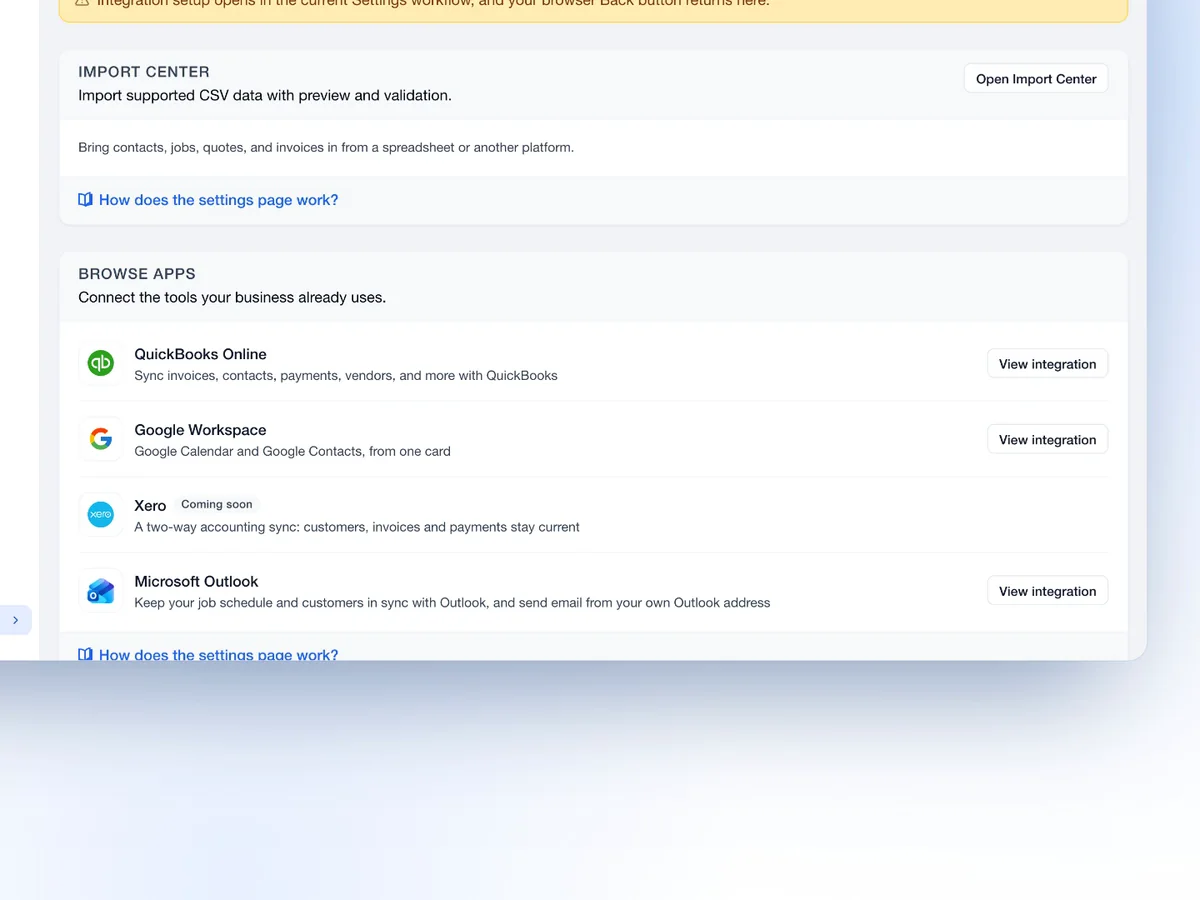
Open an app to review its purpose and connection details.
See the records a connection syncs and the permissions it needs.
Connect supported email, calendar and accounting services. Review each connection's scope and sync behavior before you turn it on.
GmailOutlookGoogle CalendarQuickBooksReview access for each service.
Authorize the account, review its settings and disconnect when you need to. Each integration has its own scope.
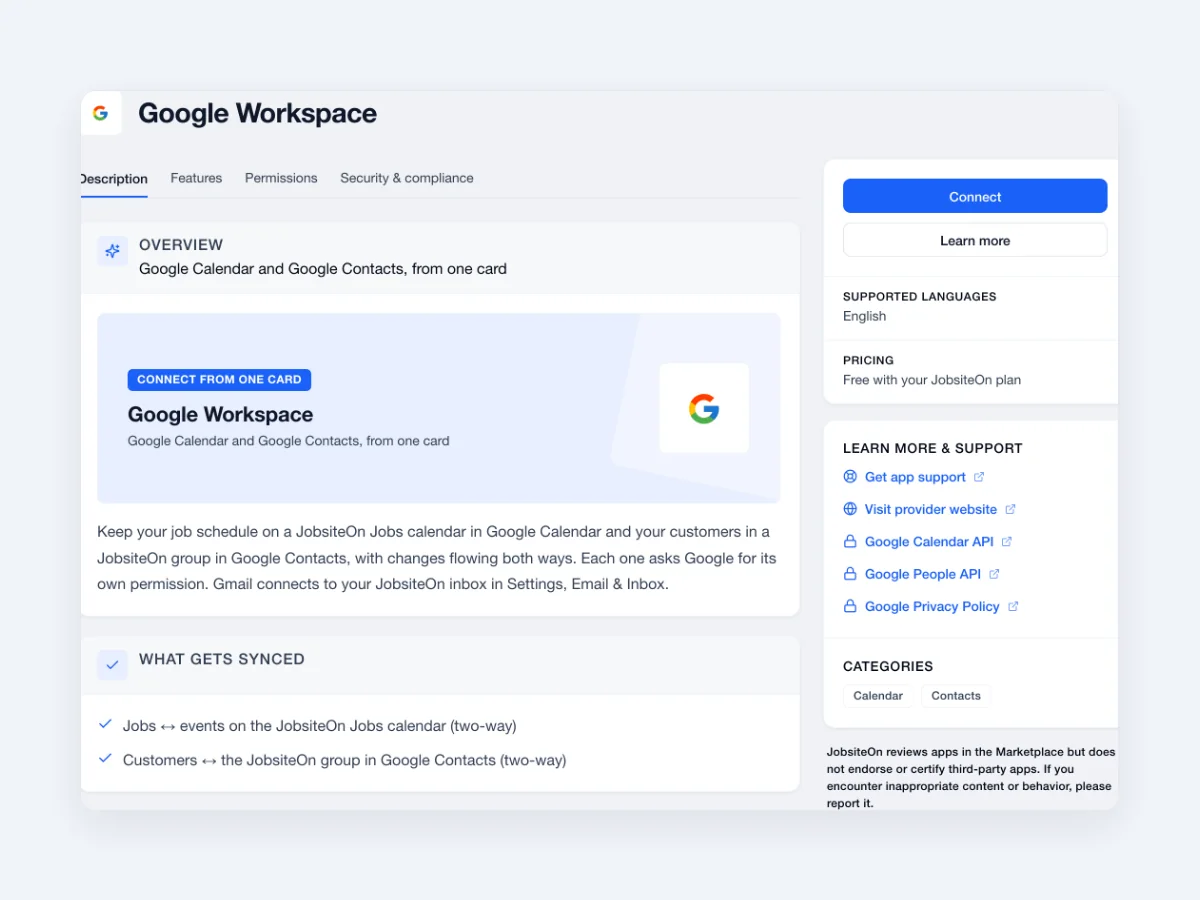
A few deliberate steps, with the details in view.
Find the app you use.
Review the requested access.
Set the connection up for your work.

Bring supported apps into the same business workflow.
Bring email into the shared inbox.
Keep supported job calendars connected.
Connect customers, invoices and payments.
Review the scope of each connection.
Swipe or scroll to explore. When this row is focused, use the left and right arrow keys. Home and End move to the first and last items.

Connect a supported mailbox so customer conversations are close to the work.

Review the QuickBooks setup and select the supported records you want to sync.
Swipe or scroll to explore. When this row is focused, use the left and right arrow keys. Home and End move to the first and last items.

 Communications
Work with supported connected mailboxes.
Explore Communications
 Schedule
Review job visits and supported calendar sync.
Explore Schedule
 Payments
Review payment and accounting workflows.
Explore Payments
 Sales
Use saved items and customer details.
Explore Sales
 Service
Connect the people, visits and tasks behind the work.
Explore ServiceConnect mailboxes in Settings, Email & Inbox. Calendar and other app connections are available through the Marketplace.
Yes. Connect is included in every JobsiteOn plan. Third-party subscriptions, provider requirements and usage charges may still apply.
No. Each app has its own supported records and sync rules. Review its settings and help guide before connecting.
Yes. Services grouped under Google Workspace connect individually. Each service shows its own permission screen.
Check the required account access, permissions, supported records and sync direction. Some services also require their own subscription.