


Pricebook items
Bring saved items into a quote.
Build quotes from saved prices. Send them for approval and track every reply.
Free for 14 days. No credit card required.
Give customers a clear scope and a price they can review. Keep every decision with the quote.
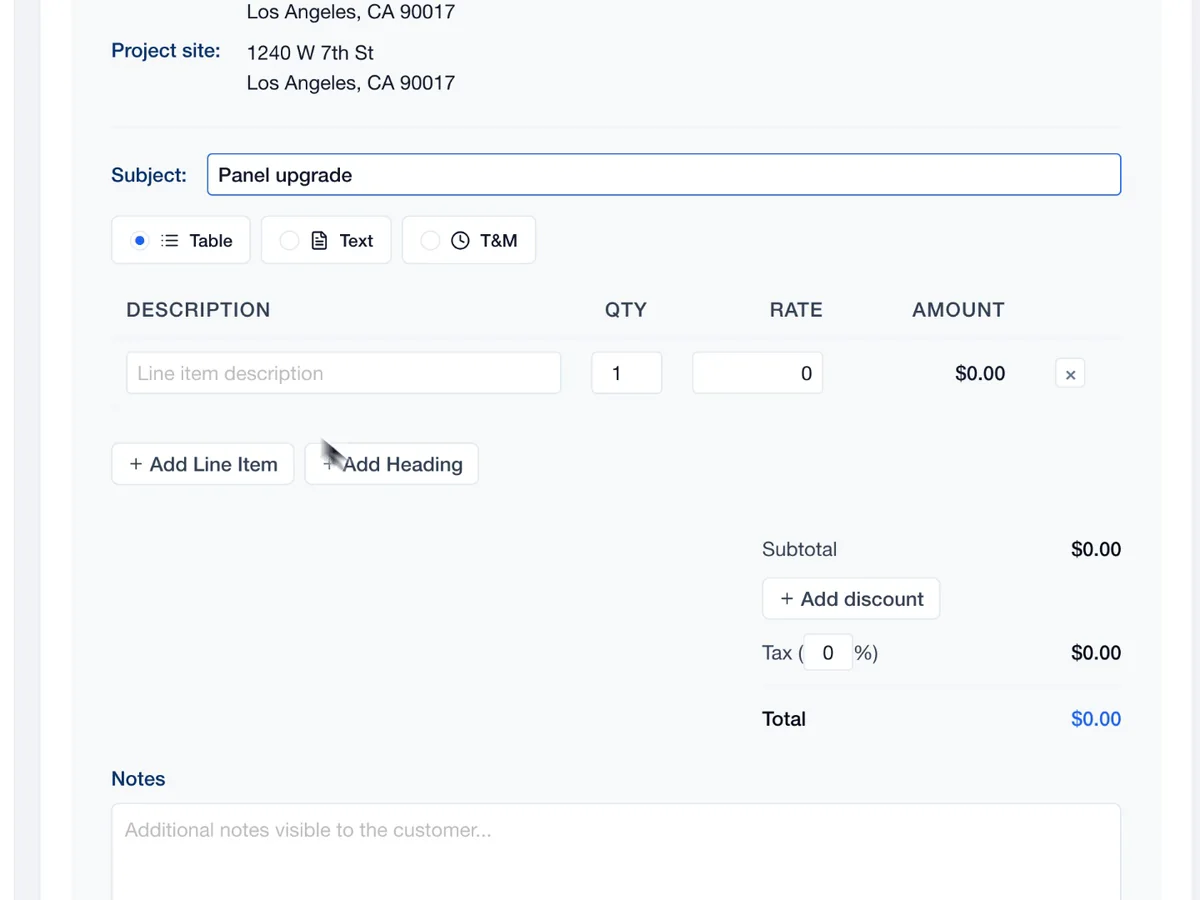
Add labor, materials, quantities and rates. Your total stays with the scope.
Find drafts, sent quotes and approvals in the same list.
Check the numbers and payment terms before the proposal goes out.
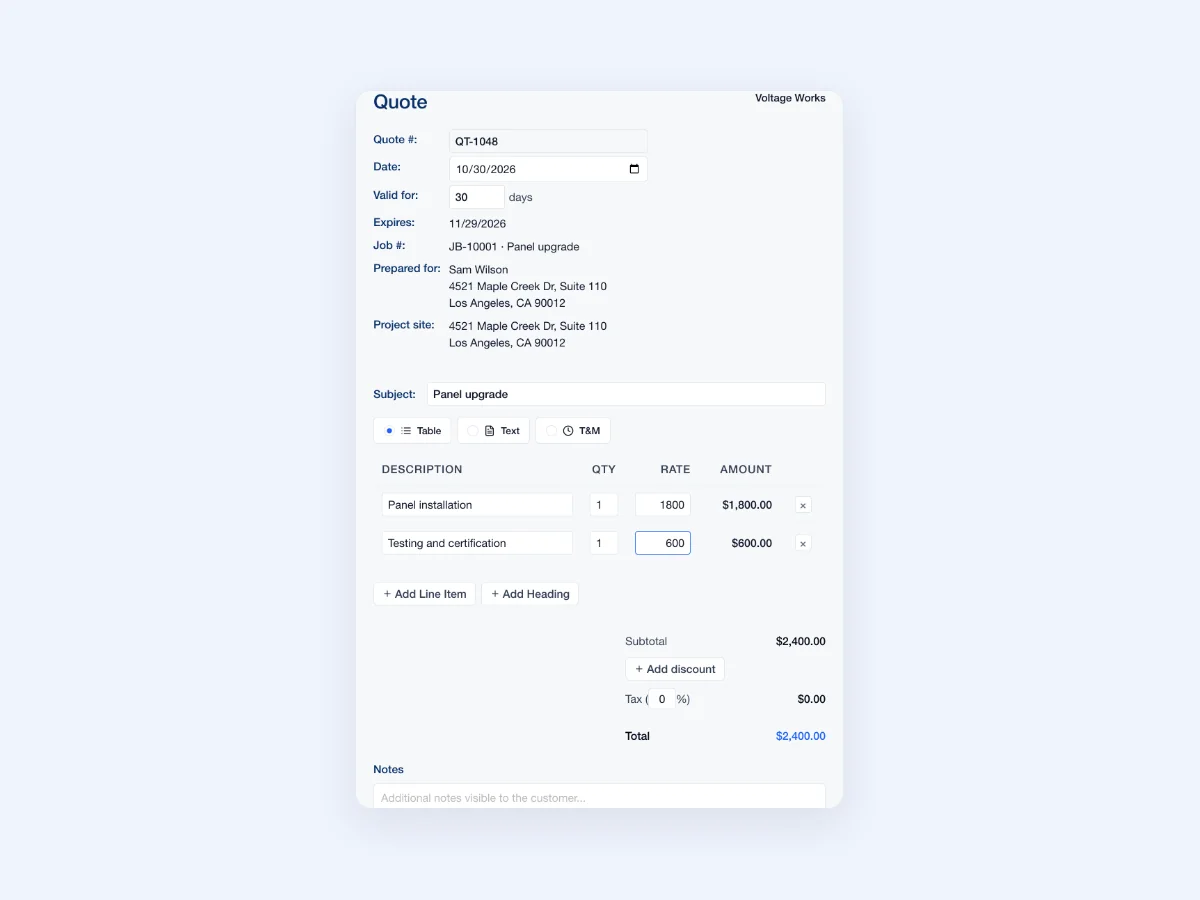
See what makes up the total before the proposal goes out. This panel-upgrade walkthrough separates installation from testing.
The customer, property and scope belong together. Start the job with the details already in reach.
A clear path for you and your customer.
Add the scope and price.
Share the proposal link.
See the quote status.
Carry the work forward.

The work on paper should match the work on site.
Bring saved items into a quote.
Give customers a proposal to review online.
Download a document when the job calls for it.
Keep changes and decisions with the record.
Swipe or scroll to explore. When this row is focused, use the left and right arrow keys. Home and End move to the first and last items.

Turn the site notes into a proposal the customer can review before the crew gets started.

Give the customer a written scope, then keep the accepted work connected to the job.
Swipe or scroll to explore. When this row is focused, use the left and right arrow keys. Home and End move to the first and last items.

 Service
Keep visits, tasks and crew with the accepted work.
Explore Service
 Schedule
Plan the visit alongside the rest of the calendar.
Explore Schedule
 Communications
Link the customer's thread to the work.
Explore Communications
 Capture
Keep jobsite photos and notes with the project.
Explore Capture
 Payments
Itemize the work and track the remaining balance.
Explore PaymentsYes. Send the quote's customer link so they can review the proposal and respond.
Yes. Add items from your pricebook, then adjust quantities and rates for the work.
Review the job linked to the accepted quote. Confirm the visits and crew assignment before work begins.
Yes. Adjust line items, rates and quantities, then review the totals and payment terms before sending the proposal.
Yes. Link an existing job, or start from a property so JobsiteOn creates the job behind the quote. The proposal uses the job's customer.
Yes. Generate a proposal document from the quote to review or share with your customer.